How Data Roaming Works
Why turning on data roaming in your own country can make your internet faster, and how manual network switching helps.
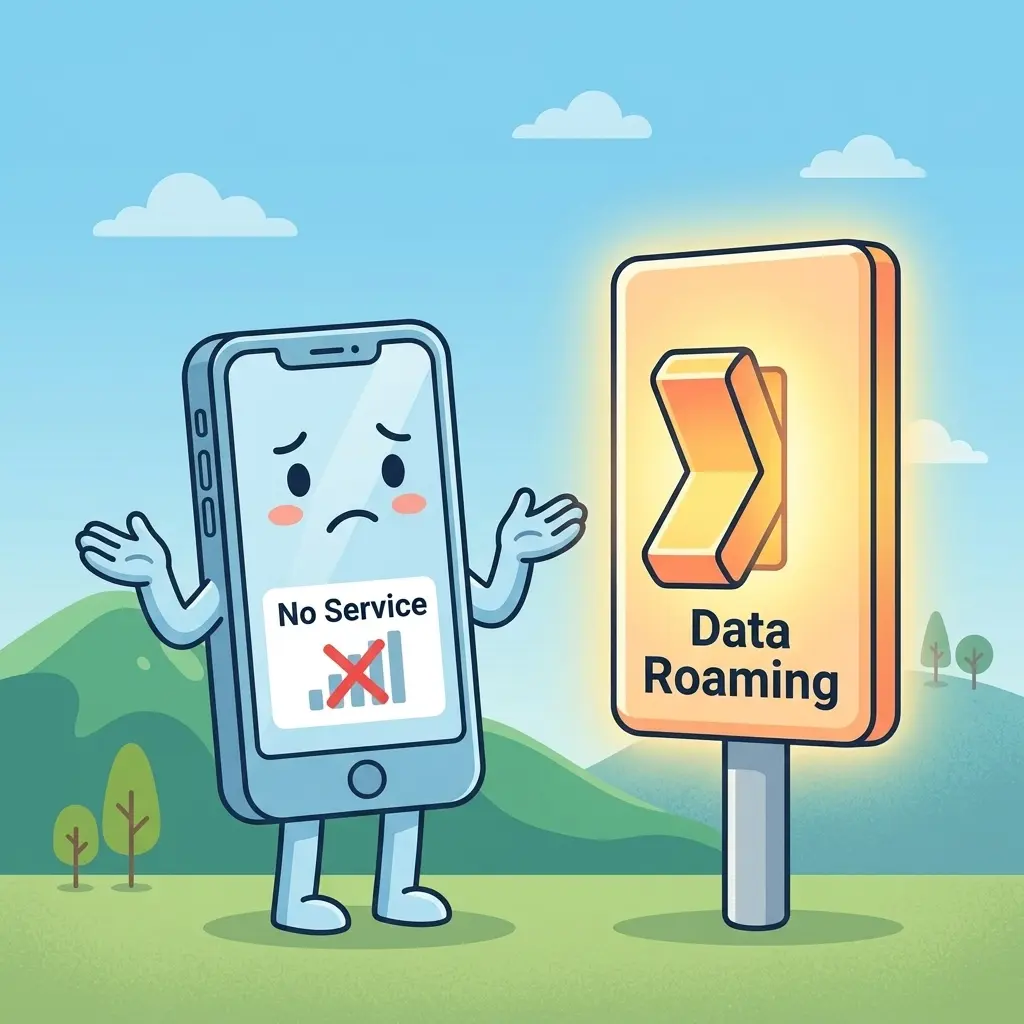
My internet is very slow today. I have three bars of signal, but nothing is loading. My messages are just stuck.
Is your data roaming turned on?
No, I am in my own country. Why would I turn on data roaming? Isn't roaming only for when you travel abroad to avoid huge phone bills?
Actually, no. Roaming just means using another network provider's tower when your own network provider doesn't have a good signal. When you do it inside your own country, it is called National Roaming.
How does that work? Why would my provider let me use someone else's tower?
It comes down to building masts. Setting up network towers is incredibly expensive. No single company can build towers on every street corner or in every village in the country.
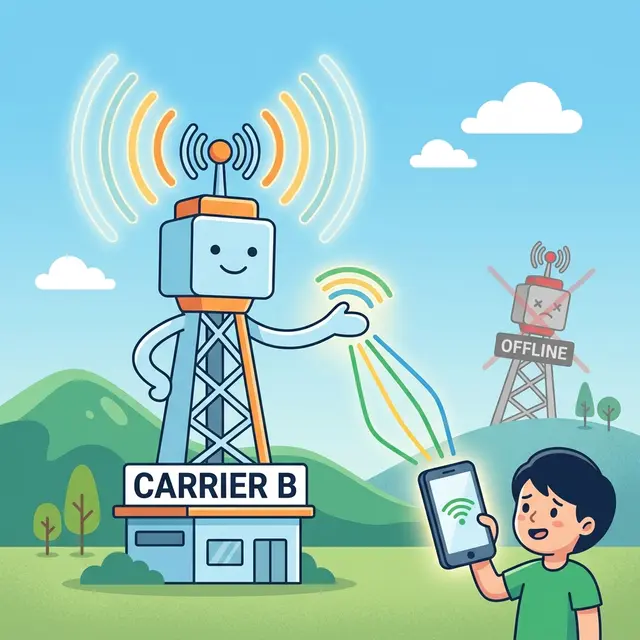
So, network providers make agreements. MTN, Airtel, and Glo share their infrastructure. If MTN has a tower in a remote area but Airtel doesn't, Airtel pays MTN a fee to let Airtel customers connect to the MTN tower.
Okay, but if they share towers, why do I need to toggle a switch on my phone? Shouldn't it happen automatically?
It does happen automatically, but only if your phone has permission. By default, your phone's operating system keeps the "Data Roaming" switch turned OFF.
The phone does this to protect you. It doesn't want you to connect to a foreign network by accident and get billed thousands of dollars. But because the switch is off, your phone will refuse to connect to a partner's tower inside your own country too.
It sees the partner tower, knows it has a strong signal, but blocks the connection. It would rather give you "No Service" or a crawling, weak signal from your home tower than connect to the partner.
So turning the switch ON gives the phone permission to connect?
Exactly. Once you turn Data Roaming ON, your phone is allowed to connect to any partner mast when your main network's signal drops. It jumps onto the active tower, and your internet starts working again.
But will I be billed extra for this?
No, national roaming is free for you. The network providers settle the costs between themselves. Your phone uses your regular data bundle just like normal.
You can ignore the default warning popup your phone shows when you turn the switch on that warning is only meant for international travel.
That makes sense. But what if my internet is still slow even after enabling roaming?
If roaming doesn't fix it, the problem is likely network congestion. During busy hours (at school or any place), thousands of phones connect to the same 4G or 5G frequency bands, slowing down the tower for everyone.
In this case, you can try a manual network downgrade. Go to your network settings and switch your phone from 5G to 4G, or 4G to 3G.
Why would downgrading to an older network generation make it faster?
First, 5G signals are very fast but they use high frequencies that cannot pass through solid objects like brick walls, thick glass, or trees. Downgrading to 4G connects you to lower frequencies that easily pass through buildings.
Second, most people have their phones set to 4G or 5G automatically. This leaves the older 3G lanes completely empty. A slower, empty lane will often load web pages faster than an overcrowded 4G lane.
So data roaming lets me switch to a different provider's tower, and network downgrading lets me switch to a different, less crowded frequency band on the same tower.
Yes, that is exactly it. Between those two settings, you can solve most of your daily internet issues.